系统介绍
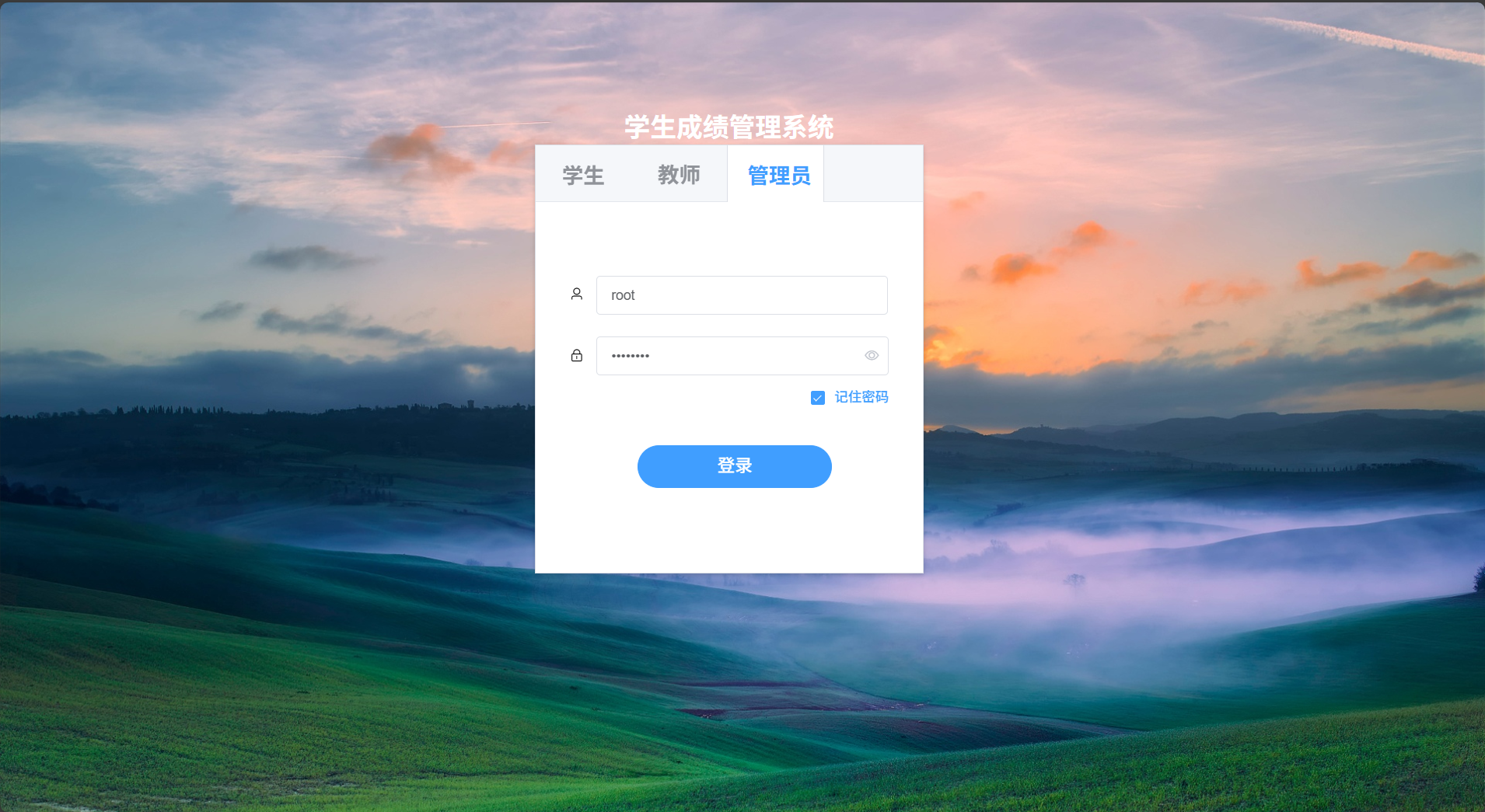
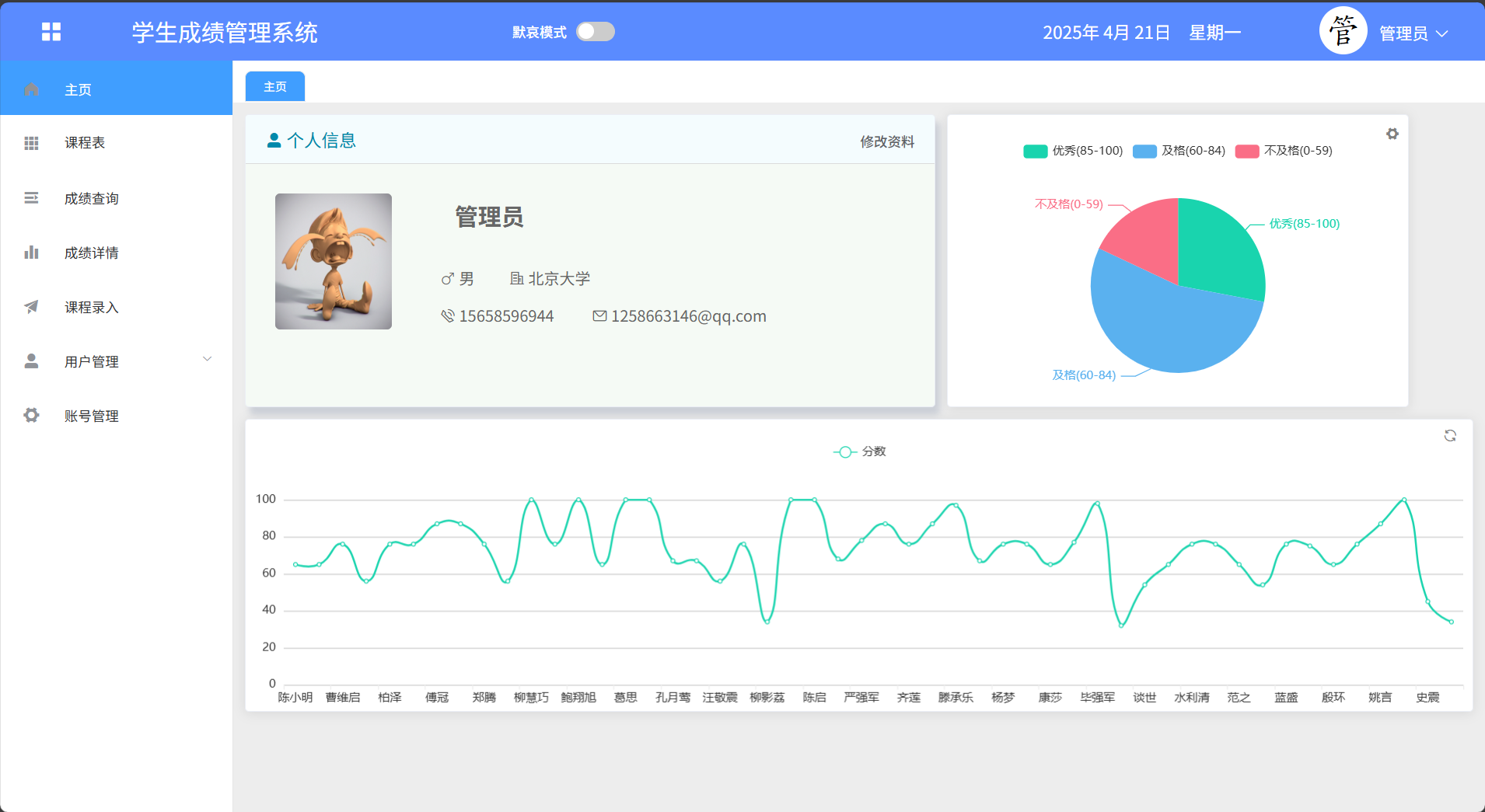
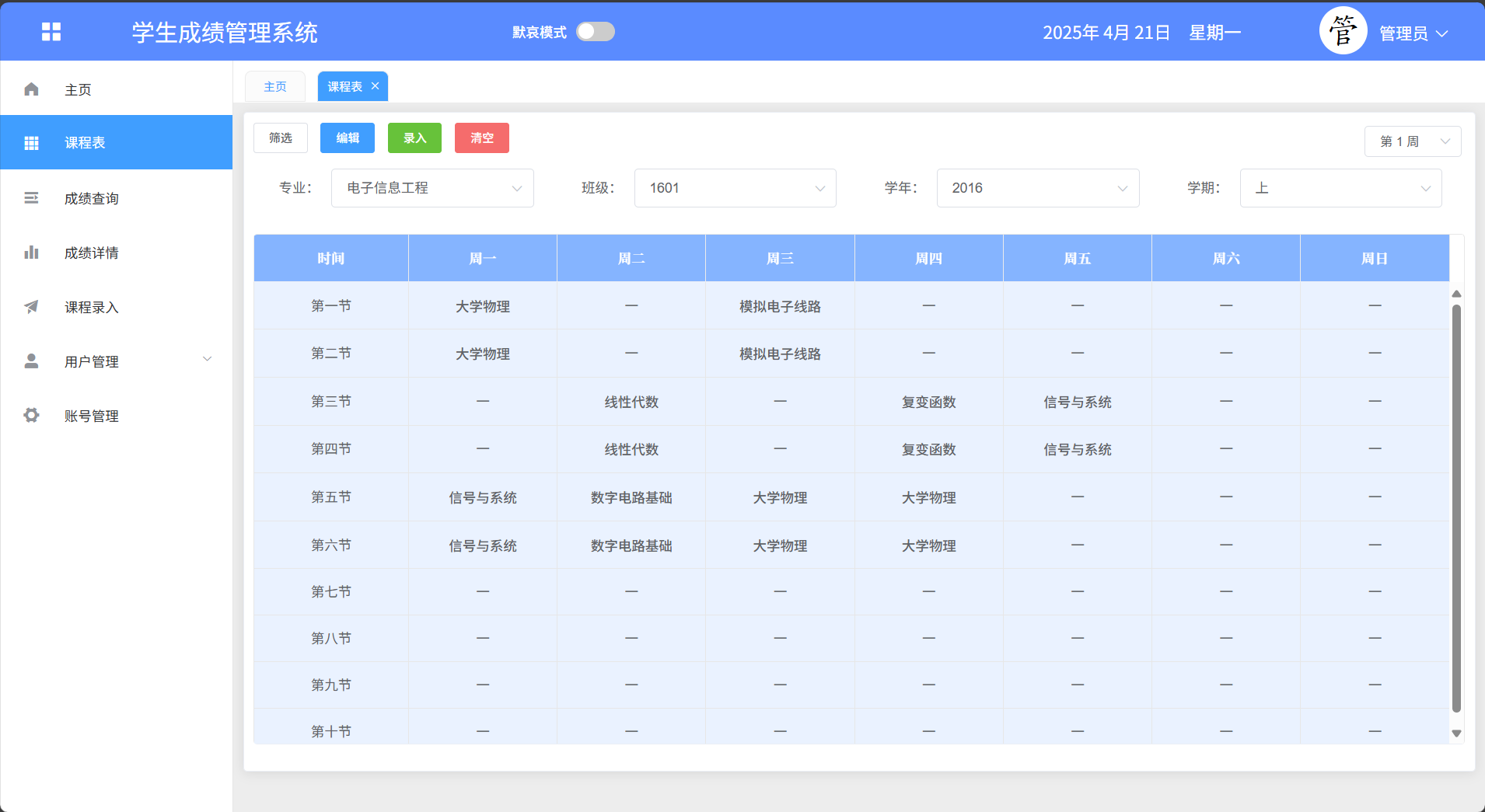
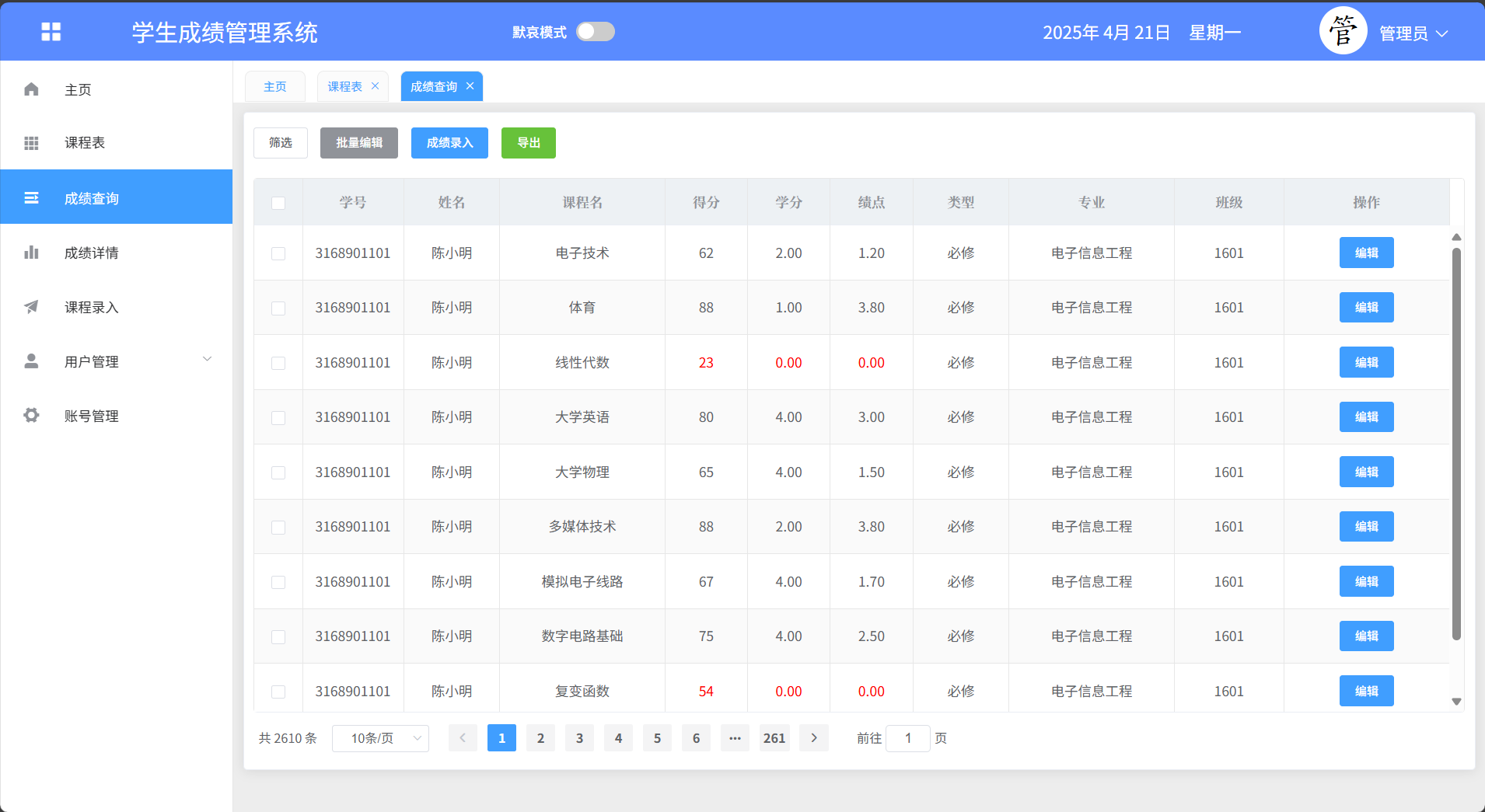
基于SpringBoot和Vue实现的学生成绩管理系统采用前后端分离的架构方式,系统设计了三种角色,分别是学生、教师、管理员,每种角色拥有不同的菜单权限,学生可以在系统中进行系统登录、主页、课程表、成绩查询、成绩详情、个人中心等功能模块的操作,教师可以在系统中进行系统登录、主页、课程表、成绩查询、成绩详情、个人中心等功能模块的操作,管理员可以在系统中进行系统登录、主页、课程表、成绩查询、成绩详情、课程录入、用户管理、账号管理、个人中心等功能模块的操作。
技术选型
开发工具:idea2020.3+webstorm2020.3
运行环境:jdk1.8+maven3.6.3+mysql5.7+nodejs12.19.0
服务端技术:springboot+mybatis+fastjson+pagehelper
前端技术:html+css+vue+axios+element-ui+echarts
成果展示
系统登录
系统主页
课程表
成绩查询
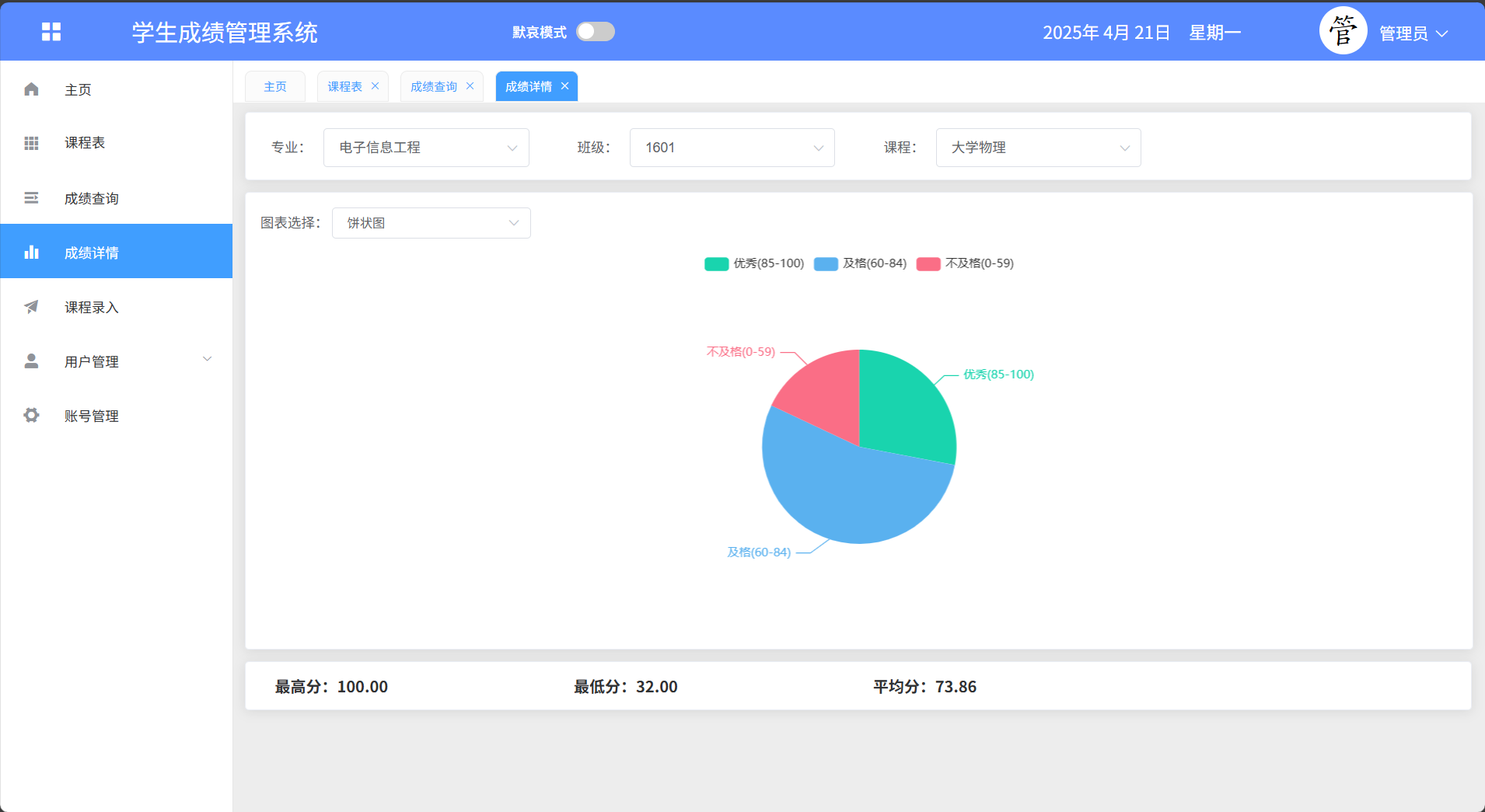
成绩详情
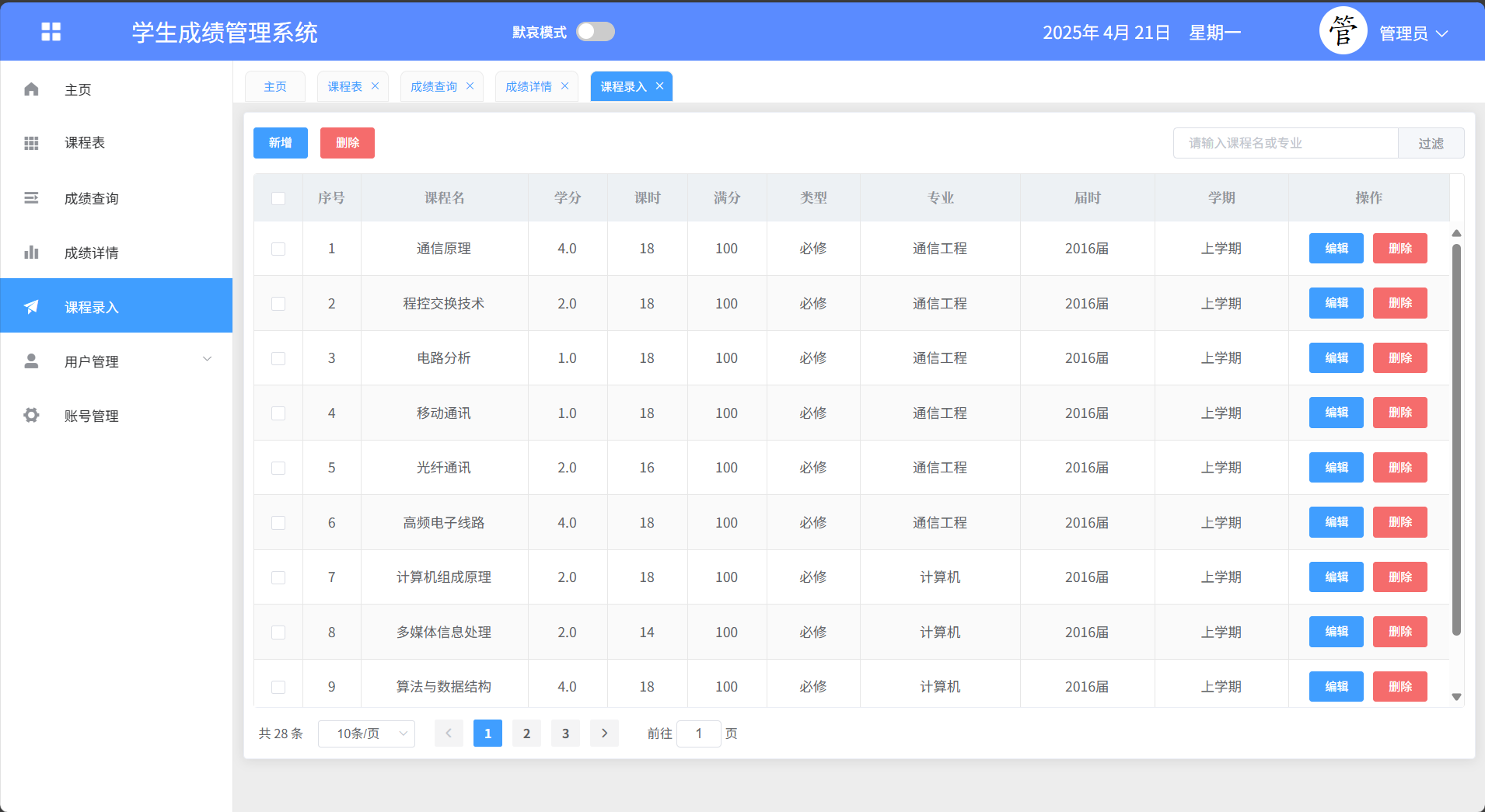
课程录入
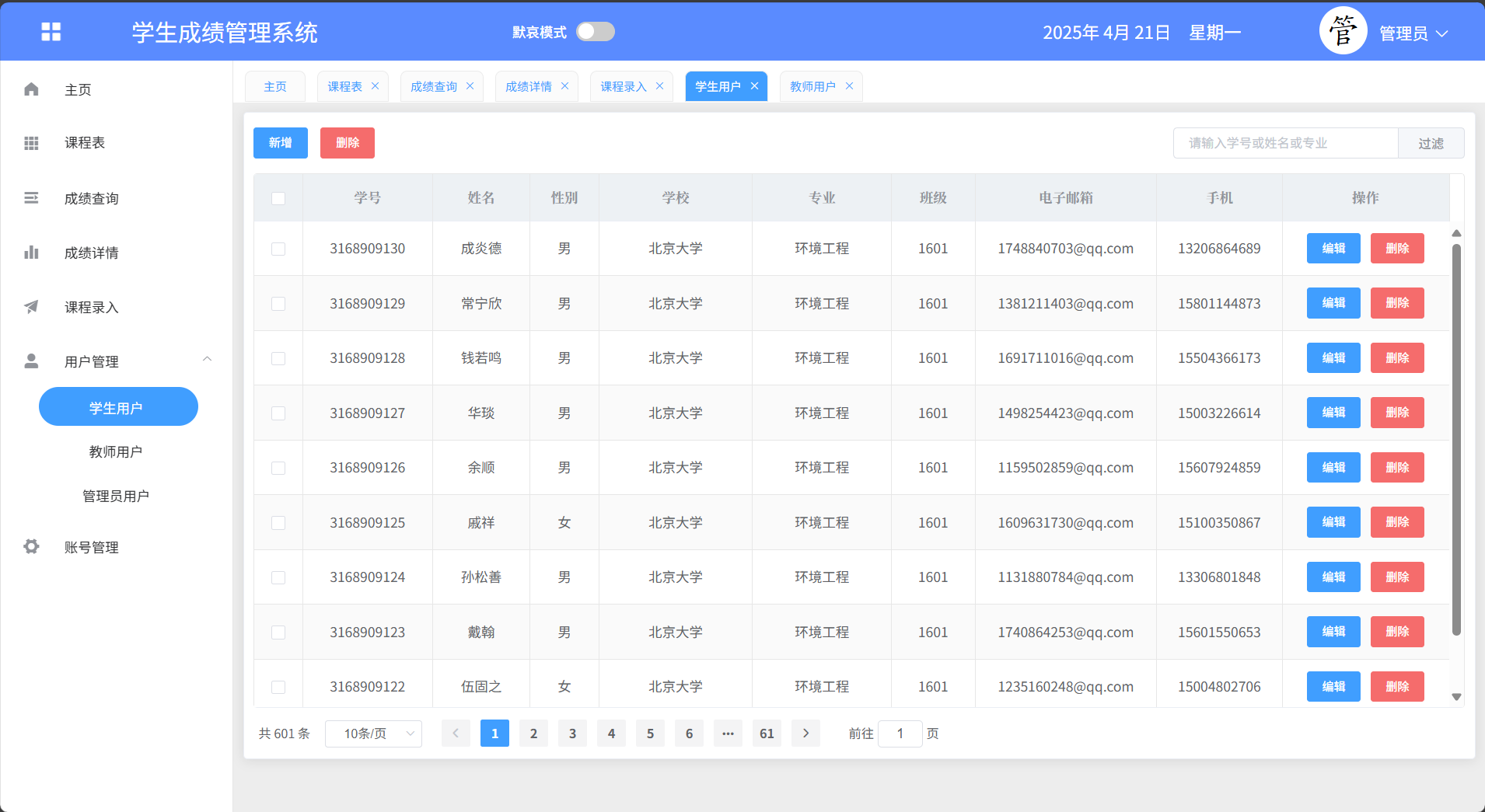
用户管理->学生用户
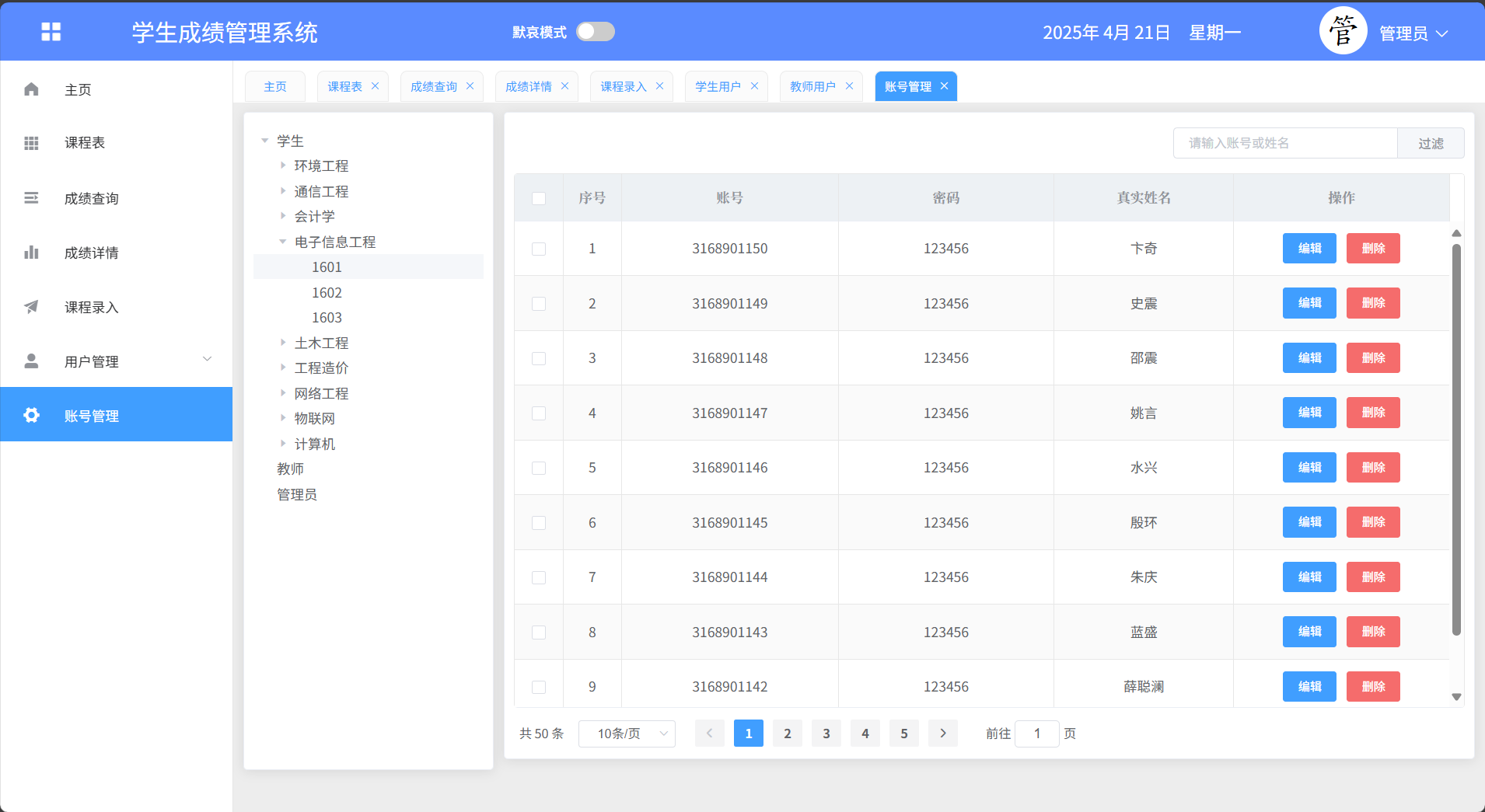
账号管理
源码展示
@RestController
@RequestMapping("/api/sms/score")
public class ScoreController {

    @Autowired
    private ScoreService scoreService;

    @GetMapping("/getCourseList")
    public PagingResult getCourseList(@RequestParam Map<String, Object> condition,
                                              @RequestParam(required = false, name = "$limit", defaultValue = "10") Integer limit,
                                              @RequestParam(required = false, name = "$offset", defaultValue = "0") Integer offset) {
        RowBounds rowBounds = new RowBounds(offset, limit);
        return scoreService.getCourseList(rowBounds, condition);
    }

    @PostMapping
    private void addEntry(@RequestBody JSONArray UserScore) {
        List list = JSONObject.parseArray(UserScore.toJSONString(), Score.class);
        scoreService.addEntry(list);
    }

    @GetMapping("/export")
    public List getExportList(@RequestParam Map<String, Object> condition) {
        return scoreService.getExportList(condition);
    }

    @GetMapping("/getUserNum")
    public List<Map<String, Object>> getUserNum(@RequestParam Map<String, Object> condition) {
        return scoreService.getUserNum(condition);
    }

    @GetMapping("/getUserTotal")
    public Map<String, Object> getUserTotal(@RequestParam Map<String, Object> condition) {
        return scoreService.getUserTotal(condition);
    }
}
账号地址及其它说明
1、地址说明
2、账号说明
学生:3168901101/123456
教师:3890290/159357
管理员:root/password
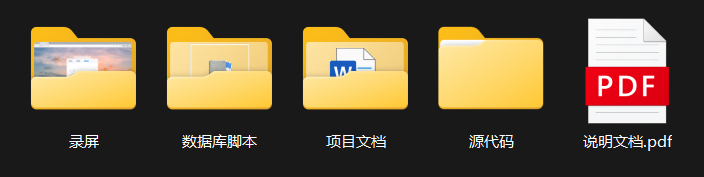
3、目录结构展示
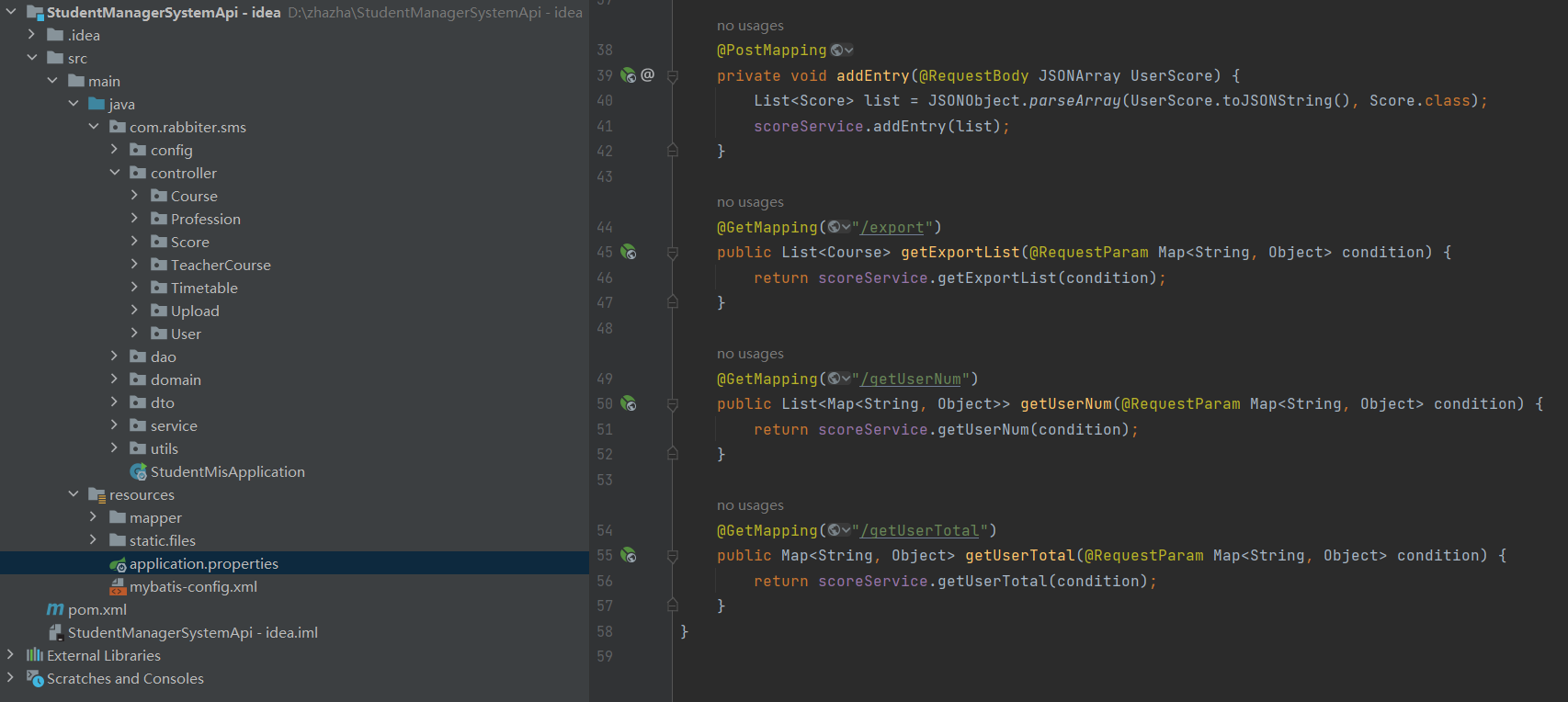
4、项目结构展示
5、运行步骤
1、创建数据库、导入sql脚本
2、修改application.properties中的数据库配置文件,启动服务端
3、在StudentManagerSystemVue目录下打开cmd,执行npm install下载依赖
4、下载完毕后启动前端npm run serve,访问端口